A friend sent me a photo of a parcel barcode last week — the box had gotten damp and the label was half-smudged. His phone scanner kept failing. Having dealt with this kind of thing more than a few times, here are the methods that actually work, in order of effort.
Why Barcodes Fail to Scan: The Technical Reality
To understand the fixes, you need to understand how barcode scanning works. One-dimensional barcodes encode data through the width ratios of black and white bars. The scanner projects a laser line (or virtual scan line) horizontally, detecting reflected light intensity changes to identify bar patterns.
Scan failures typically stem from these physical factors:
- Insufficient contrast: The brightness difference between black and white bars falls below the scanner's threshold. Moisture, fading, and grease all reduce contrast.
- Bar distortion: Bars stretched, compressed, or bent beyond the encoding standard's tolerance range, causing width ratio mismatches.
- Quiet zone violation: Barcodes require sufficient blank space (quiet zone) on both ends. If encroached by graphics, text, or borders, the scanner cannot correctly locate the start pattern.
- Partial damage: Bars torn or worn away, losing critical encoding bits. Since 1D barcodes lack error correction (unlike QR codes with Reed-Solomon), any bar loss can cause decode failure.
| Format | Built-in Error Correction | Damage Resilience | Recovery Difficulty |
|---|
| EAN-13 | Check digit only | Low | Can manually type digits |
| Code 128 | Check digit only | Low | Complex character set, harder to type manually |
| QR Code | Reed-Solomon (7%-30%) | High | Decoding tools usually auto-recover |
| Data Matrix | Reed-Solomon | High | Professional scanners work best |
This is precisely why more businesses in damage-prone environments (logistics, warehousing, outdoor) are migrating from 1D barcodes to 2D codes — the built-in error correction allows QR codes to remain readable even with 30% damage.
1. Fix the lighting and angle first
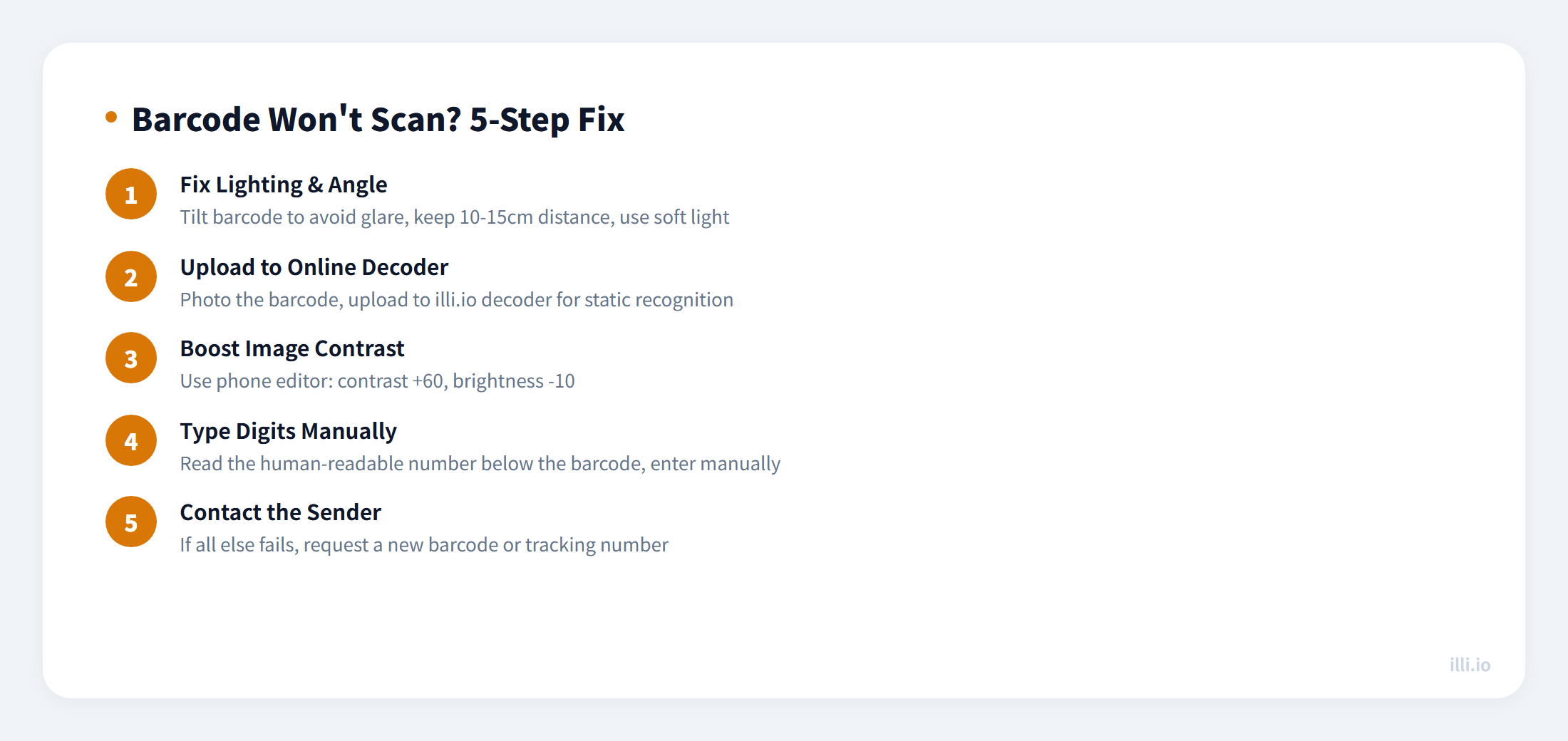
This solves the problem more often than you'd expect. Most scan failures aren't actually about a damaged barcode — they're about poor contrast caused by glare or low light.
- Tilt the barcode: rotating it slightly eliminates direct glare from overhead lighting
- Add soft light, not a direct flashlight: a desk lamp works well; a torch pointed straight at it tends to wash out the contrast
- Back up slightly: most phone cameras focus better at 10–15cm than right up close
2. Upload the image to an online decoder
If live scanning isn't working, switch strategy: photograph the barcode and upload the static image to an online barcode decoder. Tools like illi.io barcode decoder support Code128, EAN-13, UPC-A and other common formats — just upload the photo and it extracts the digits. This works well for shipping labels, product packaging, and book ISBN codes.
3. Boost the contrast before uploading
Barcode recognition problems are fundamentally about insufficient contrast between the black and white bars. Use your phone's built-in photo editor (or a free app like Snapseed) to increase contrast and slightly reduce brightness, then upload the edited image.
That's exactly what I did with my friend's label — used the native iOS Photos editor, pushed contrast to +60 and pulled brightness to -10, and the decoder read it immediately.
4. Type in the digits manually
The oldest trick and the most reliable. The human-readable number is almost always printed directly below the barcode. EAN-13 barcodes are 13 digits, UPC-A are 12, and Code128 varies. If you can read the numbers, just type them in.
5. Ask the sender to resend
If none of the above works, the barcode is likely physically too damaged to recover. Contact whoever sent the label, get the tracking number in text form, or have them resend a clean image.
Summary
Before reaching for any specialized tool, adjust the light and angle — that alone resolves the majority of cases. If that fails, upload the image to an online decoder. Manual entry is the fallback. Contacting the sender is the last resort.
When to Seek Help From a Professional Scanner
If manual techniques fail, professional-grade barcode scanners (available in document management and logistics contexts) can often recover codes that consumer devices cannot. These devices use structured light patterns and software algorithms specifically designed for damaged code recovery. For critical logistics or legal documents where the barcode data is essential, this professional route is worth the cost rather than relying on visual re-entry which introduces transcription errors.
For frequently damaged barcodes in a production environment, the root cause is usually a systemic issue: labels are too small for the substrate, the print resolution is too low, or the application environment (humidity, UV exposure, abrasion) exceeds the label material's rating. Addressing the root cause is always more cost-effective than dealing with scanning failures at scale.