Brands increasingly want QR codes that look good: custom colors, embedded logos, unique shapes. But over-designed QR codes often fail to scan. This is not luck — it is a physical constraint of optical recognition. This article explains the scanner's perspective and identifies which designs are safe versus dangerous.
How Scanners "See" QR Codes
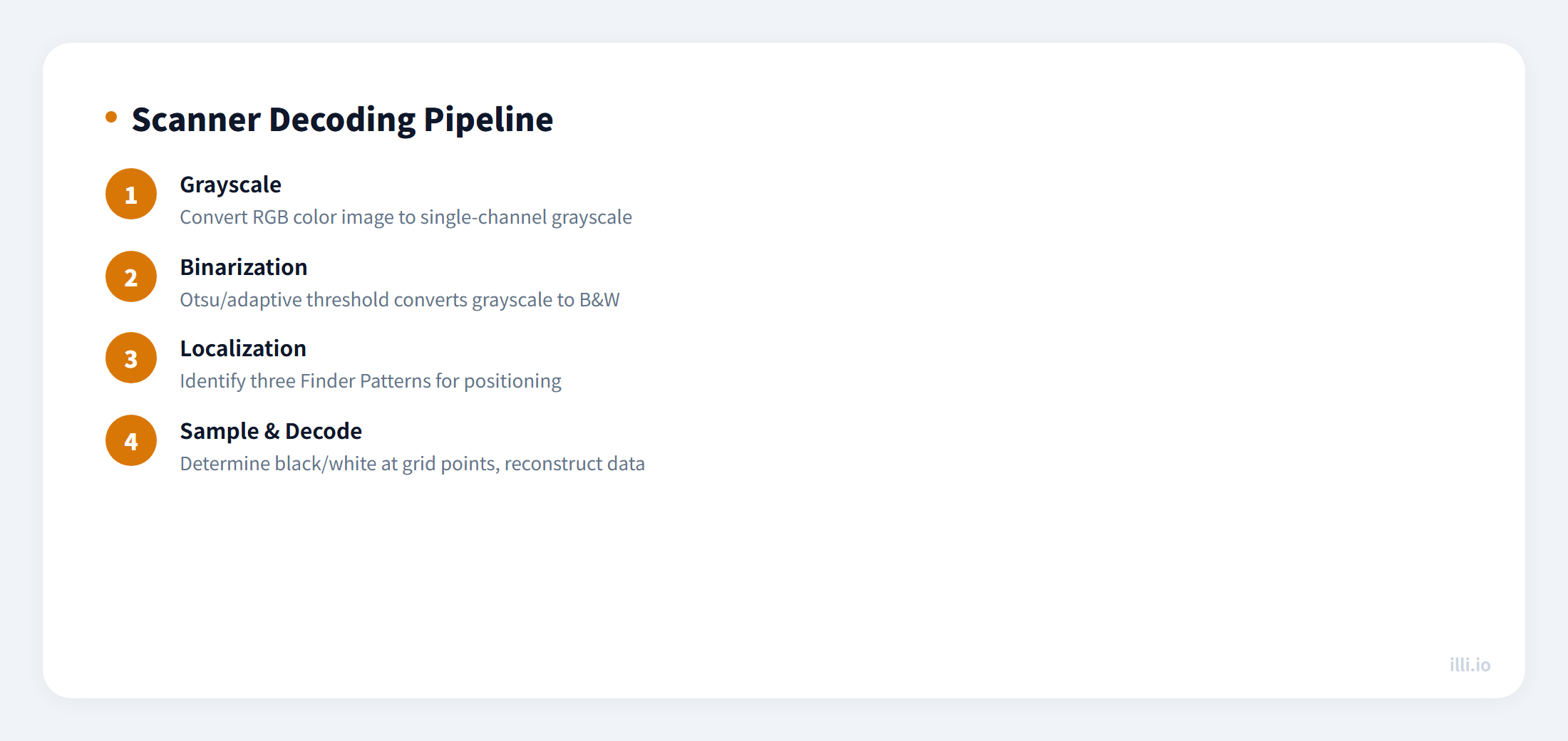
After a phone camera captures a QR code image, the decoder performs these steps:
- Grayscale conversion: Convert the color image to grayscale
- Binarization: Threshold algorithm converts grayscale to pure black/white (Otsu / adaptive threshold)
- Localization: Find three Finder Patterns to determine position and rotation
- Sampling: At grid intersections, determine if each module is "black" or "white"
- Decoding: Reconstruct data per encoding rules, error correction repairs errors
The critical step is binarization. If the foreground and background colors do not differ enough in grayscale space, the decoder cannot distinguish modules correctly.
The Science of Color Contrast
"Good-looking" and "scannable" are two independent dimensions. Human color perception differs dramatically from the decoder's grayscale conversion:
| Foreground | Background | Grayscale Gap | Scannable | Notes |
|---|
| Black #000 | White #FFF | 100% | ✅ Perfect | Standard, always reliable |
| Dark Blue #1a237e | White #FFF | ~86% | ✅ Good | Dark foreground is safe |
| Red #e53935 | White #FFF | ~70% | ✅ Usable | Red has high grayscale but sufficient |
| Yellow #ffeb3b | White #FFF | ~8% | ❌ Fails | Yellow grayscale close to white |
| Light Green #a5d6a7 | White #FFF | ~15% | ❌ Fails | Light foreground insufficient gap |
| White #FFF | Black #000 | 100% | ✅ Usable | Inverted works but not all scanners support |
The Physical Limits of Logo Embedding
Embedding a logo is essentially intentionally corrupting data modules, relying on error correction to "repair" the damage. But correction capacity is finite:
- ECC L (7%): Logo area must stay under 3% of code area (barely visible)
- ECC M (15%): Logo area must stay under 7% (very small logo)
- ECC Q (25%): Logo area must stay under 15% (small logo feasible)
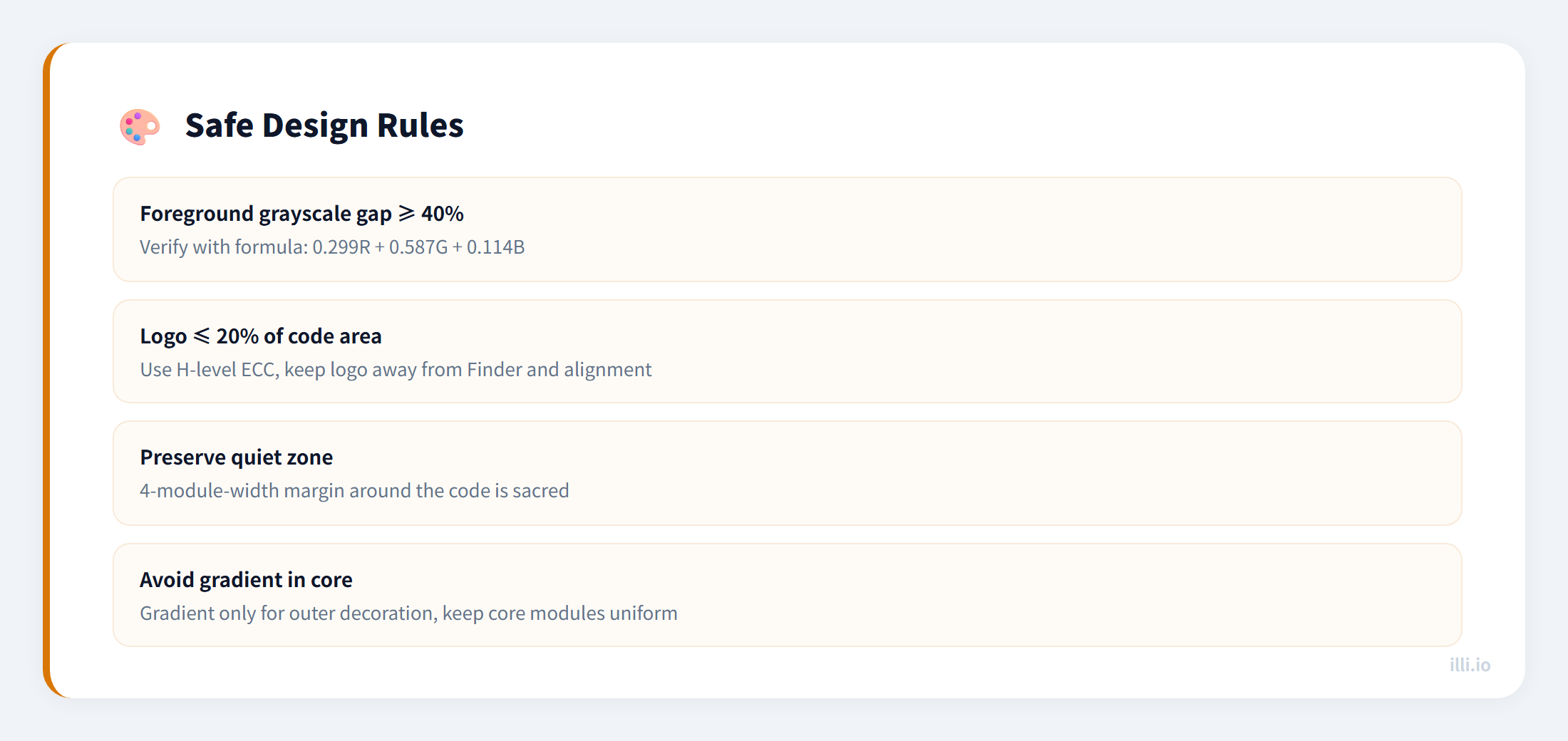
- ECC H (30%): Logo area must stay under 20-25% (recommended choice)
Note: Logo area refers to the percentage of obstructed modules, not pixel area. If the logo happens to cover alignment markers or format information zones, even a small logo will cause failure.
Safe Design Rules
Common Failure Cases & Fixes
| Problem | Cause | Fix |
|---|
| Brand-colored QR won't scan | Foreground grayscale too light | Use darker brand color shade or dark FG + brand BG |
| Gradient QR partially fails | Light areas have insufficient gap | Use gradient only at outer edges, keep core dark |
| Logo QR works intermittently | Logo exceeds ECC correction limit | Shrink logo and use H-level ECC |
| Rounded modules won't scan | Module gaps increase with rounding | Use 75% rounding, not 100% |
| Transparent background fails | No background contrast | Add opaque white background layer |