Why QR Codes Remain Indispensable in 2026
From contactless restaurant menus to instant Wi-Fi sharing at conferences, QR Codes have embedded themselves into every facet of modern life. Originally invented in 1994 by DENSO WAVE in Japan, the post-pandemic demand for contactless interaction has driven another explosive growth in global QR code scans between 2024-2026.
Whether you're a personal blogger, small business owner, or marketing professional, knowing how to quickly generate a reliable QR code is now an essential skill.
1. How QR Codes Work
A QR Code (Quick Response Code) is a two-dimensional barcode that stores data in a matrix of black-and-white modules. It can encode URLs, plain text, contact cards (vCard), Wi-Fi credentials, and more.
- Data capacity: Up to ~4,296 alphanumeric characters
- Error correction: Built-in Reed-Solomon codes, 4 levels (L/M/Q/H)
- Scanning: 360-degree scanning from any angle, three finder patterns for rapid detection
2. Step-by-Step: Generate QR Codes for Free Online
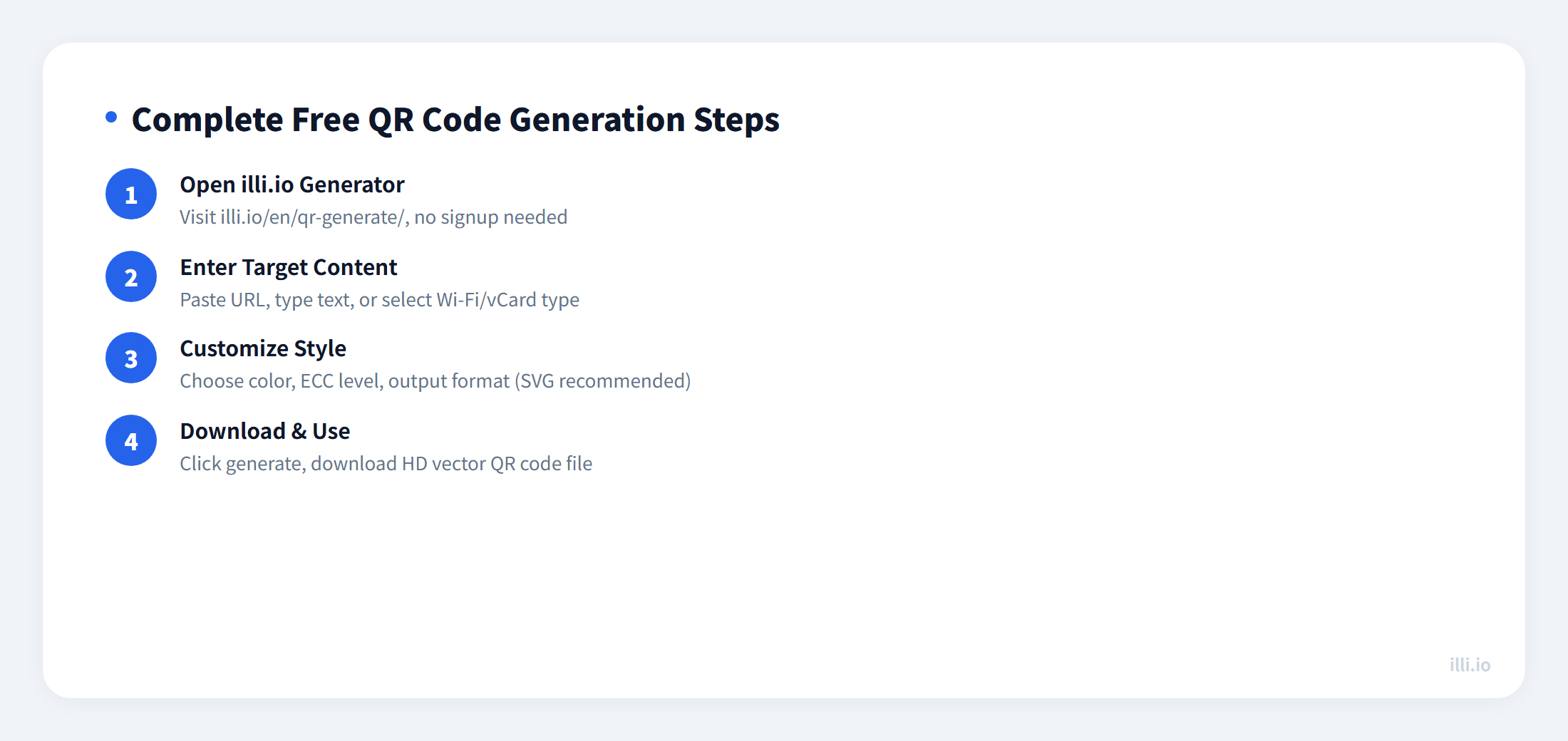
Step 1: Open illi.io QR Generator
Visit illi.io/en/qr-generate/ — no signup, no watermark, completely free.
Step 2: Enter Your Content
Paste or type what you want to encode. Supported types include:
- URL: Website links, landing pages, app download links
- Plain text: Any text message
- Wi-Fi: Network name, password, encryption type — scan to auto-connect
- vCard: Name, phone, email, company contact information
Step 3: Customize Style
Choose error correction level (M or H recommended), customize foreground and background colors, select output format (SVG recommended).
Step 4: Download and Use
Click generate, download the HD QR code file. SVG format stays crisp and sharp at any size.
3. Decoding QR Codes on Your Phone
If you have a QR code image and need to read its content, use illi.io QR decoder — upload the image to extract the encoded content.
4. Advanced: Custom Colors & Embedded Logos
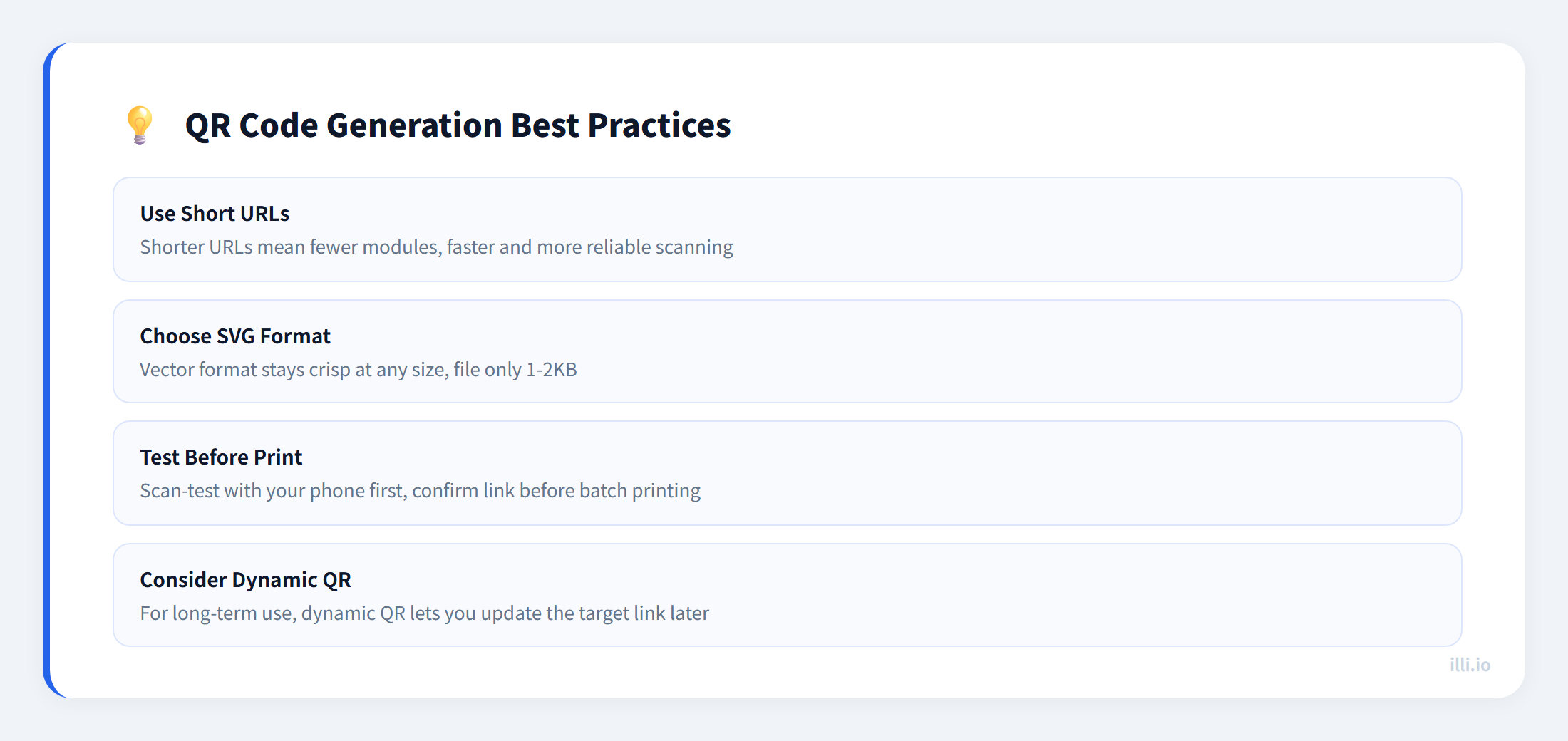
- Custom colors: Foreground (dark) and background (light) can be customized, but maintain sufficient contrast
- Embedded logo: Place your brand logo in the center — requires H-level error correction, logo area under 25%
- Vector output: Choose SVG format — only 1-2KB, works for both web and print
5. Dynamic QR Codes vs Static QR Codes
Static QR: Data is encoded directly in the pattern. Once generated, it cannot be changed. Best for permanent links and content.
Dynamic QR (Live Code): Encodes a short redirect link; the actual destination URL is stored server-side. You can change the target anytime and track scan analytics.
- If the link may change (promotions, menu updates) → use dynamic QR
- If you need scan analytics (count, geography, devices) → use dynamic QR
- If the link is permanent and tracking is unnecessary → static QR is fine
6. 5 Common QR Code Mistakes to Avoid
- Stretching or distorting: QR codes must maintain a perfect square aspect ratio
- Low resolution: Scaling up low-res images causes blurry modules — use SVG to avoid entirely
- Insufficient quiet zone: White margins around the QR code are mandatory for scanner boundary detection
- Forgetting to test: Always test-scan on multiple phones before final printing
- ECC-logo mismatch: Error correction must be set to H when embedding logos
Summary
Generating a QR code takes just four steps: open the tool, enter content, customize style, download. Use illi.io QR generator — free, no signup, SVG vector output, covering every scenario from personal cards to business marketing.