You Have a Code, But Can't Scan It—Now What?
In everyday work, you may encounter this situation: you receive a screenshot, PDF, or photo containing a barcode or QR code, but you don't have a barcode scanner handy, and your phone camera can't recognize it due to low image resolution. In these cases, an online decoding tool is the fastest solution.
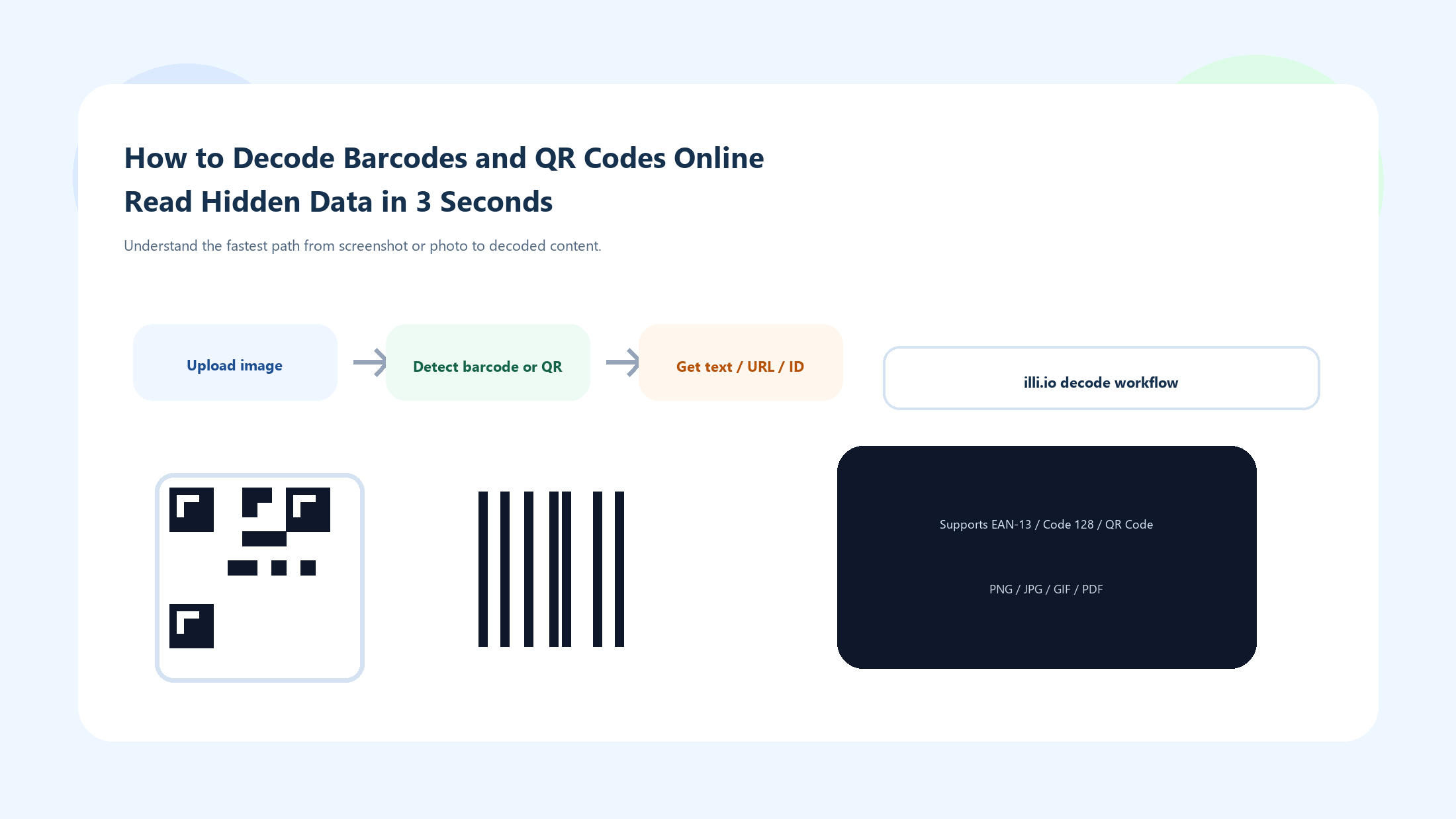
When you extract data from screenshots, photos, or PDFs, a reliable decoder first preprocesses the image, then performs detection and error handling before returning the final content.
1. How Barcode Decoding Works
One-dimensional barcodes (such as EAN-13, UPC-A, Code 128) are essentially "character sets encoded by the width ratios of bars and spaces." The decoder's workflow:
- Image Preprocessing: Convert the uploaded image to grayscale, then binarize it (black and white) using adaptive thresholding.
- Scan Line Projection: Project multiple virtual scan lines horizontally across the image to detect the bar-space alternation start pattern.
- Pattern Matching: Compare detected bar width ratios against the encoding standard's character mapping table to reconstruct the original data.
- Checksum Validation: Use checksum algorithms (e.g., Modulo 10) to verify the decoded result's integrity and ensure no noise corruption.
2. How QR Code Decoding Works
QR Code decoding is significantly more complex because data is distributed across a two-dimensional space:
- Finder Pattern Detection: Identify the three large square positioning patterns in the corners of the image, then correct for rotation and perspective distortion.
- Grid Sampling: Compute the module matrix dimensions based on finder and alignment patterns, then sample each module's dark/light state.
- Data and Error Correction Separation: Extract data blocks and Reed-Solomon error correction blocks from the bitstream.
- Error Recovery: If damaged modules exist, apply error correction codes to restore the original data.
- Character Encoding Restoration: Decode the binary bitstream into readable strings according to the QR specification's mode indicators (Numeric / Alphanumeric / Byte / Kanji).
Decode a Barcode
- Open the illi.io barcode decoder.
- Upload an image file containing the barcode (supports PNG, JPG, GIF, and more).
- The system automatically identifies the barcode type (EAN-13, Code 128, etc.) and outputs the encoded data.
Decode a QR Code
- Open the illi.io QR code decoder.
- Upload an image containing a QR code.
- The decoder automatically performs perspective correction, error recovery, and outputs the final text, URL, or other encoded content.
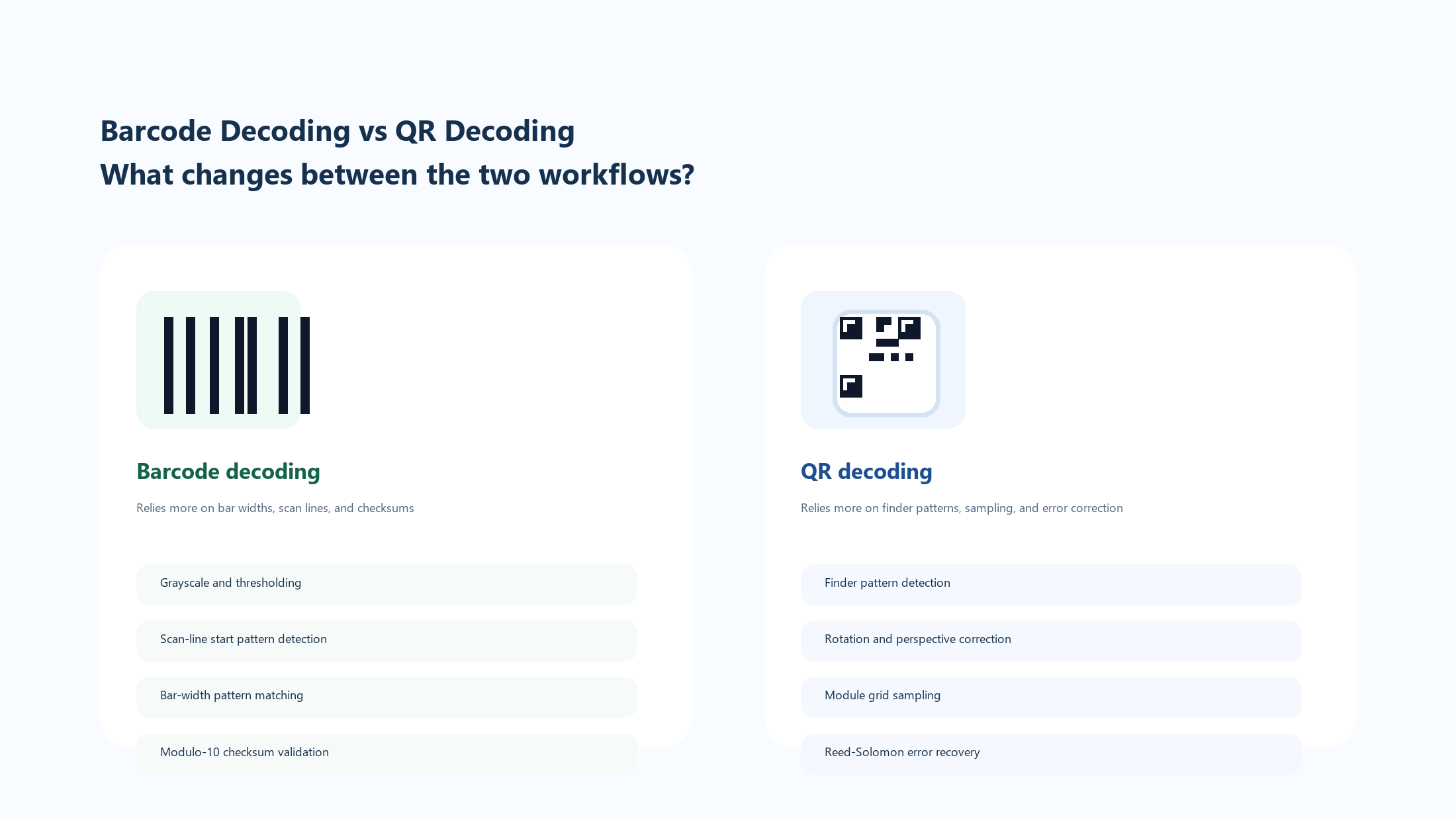
Barcode decoding depends more on scan lines and checksums, while QR decoding depends more on finder patterns, module sampling, and error correction.
4. Common Troubleshooting
| Issue | Possible Cause | Solution |
|---|
| Decode Failed | Image resolution too low, barcode blurry | Upload a higher-resolution source image |
| Garbled Result | Character encoding mismatch (e.g., Shift-JIS vs UTF-8) | Manually switch the decoder's character set option |
| Partial Recognition | Barcode/QR code edges cropped | Ensure the uploaded image includes the complete quiet zone |
| Type Not Recognized | Non-standard proprietary encoding format | Check if it's Data Matrix, PDF417, or another 2D format |
5. Image Preprocessing Tips for Better Decode Rates
Before uploading to an online decoder, simple image preprocessing can significantly improve recognition success:
Crop and Align
Crop the image to include only the barcode/QR code area and its surrounding quiet zone. Removing excess background reduces noise. If the code is tilted, use an image editor to rotate it to horizontal/vertical orientation.
Contrast Enhancement
Barcode recognition fundamentally depends on contrast between black and white bars. If the image appears gray or underexposed:
- Increase contrast to +50 ~ +70
- Slightly decrease brightness by -10 ~ -20 to deepen the black bars
- Reduce saturation to minimum to eliminate color cast interference
Resolution Requirements
Minimum resolution typically needed by online decoders:
- 1D barcodes: Each narrowest bar should be at least 2 pixels wide
- QR Codes: Each module should be at least 4×4 pixels
- In practice, the barcode region should be at least 300×100 pixels, and QR codes at least 200×200 pixels
6. Batch Decoding and API Integration
If you need to process hundreds of barcode images (e.g., photos from a warehouse scan), manual one-by-one uploading is impractical. Consider these approaches:
- Local batch tools: Use open-source libraries like ZXing (Java/Android) or pyzbar (Python) to write batch processing scripts
- API integration: Some online decoding services offer REST APIs for programmatic batch submission and result retrieval
- File naming conventions: When batch processing, use meaningful filenames (like tracking numbers) to easily match decode results with source images
For occasional decoding needs, the illi.io decoder web interface works perfectly — no software installation required.
Conclusion
Whether you've received a blurry shipping label photo or need to extract test QR code content from a design mockup, an online decoder can do the job in seconds. illi.io offers free barcode decoding and QR code decoding tools covering all major encoding standards—no software installation required.